
Universities, TAFE and colleges
Open-access labs that reset themselves between students.
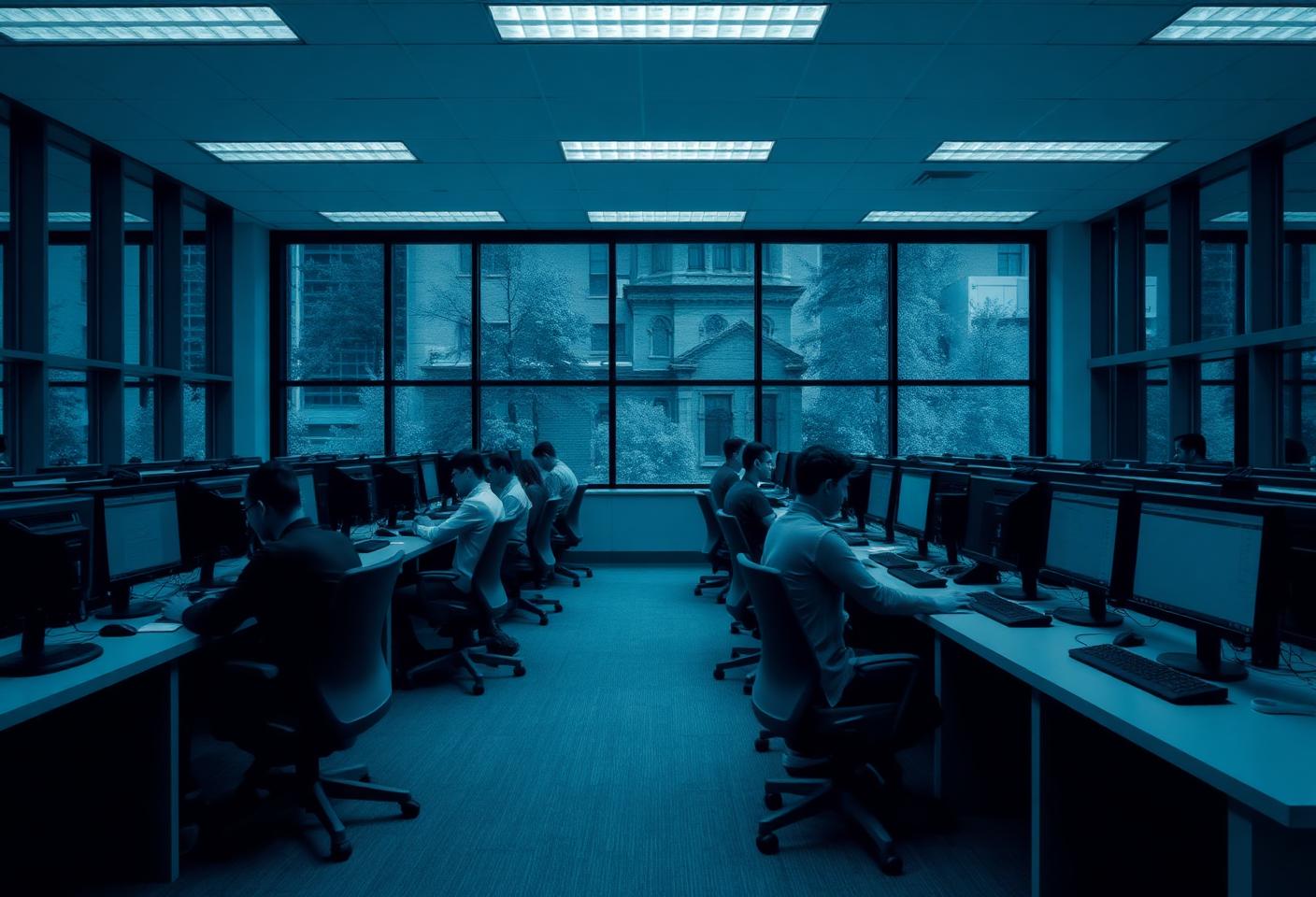
Campus PC estates are large, old and shared by thousands of people. XPC gives every one of those machines the same focused, branded start screen, without an operating system migration or a capital hardware programme.
The short answer
How do universities give open-access lab PCs a consistent, locked-down experience?
Install XPC on the existing Windows lab PCs and enable XPC Mode centrally. Each machine boots into a branded launcher offering only the remote desktops, virtual labs and applications the institution publishes, so every student gets an identical experience regardless of the age or faculty of the machine in front of them. Windows remains underneath, so existing joins, security tooling and endpoint management are untouched.
Whole campus
One consistent screen
Every lab, library and faculty PC starts the same way.
0
OS migrations
Windows stays. No reimaging, no new endpoint operating system to learn.
3
Steps to deploy
Log in to the XPC Cloud Portal, install the MSI, enable XPC Mode.
One experience across a very mixed estate
Campus estates accumulate: different faculties, different purchase years, different specifications. XPC sits above all of it. Because the session does the work, the difference between a five-year-old lab PC and last year's machine largely disappears from the student's point of view.
- Faculty-specific published applications
- Consistent branding across schools and campuses
- Old machines stay useful for longer
- No specialist endpoint OS skills needed in the team
Semester turnaround without walking the labs
What each lab exposes is configured in the XPC Cloud Portal. Changing which desktops or applications a room presents at the start of a new semester is a central change, not a rolling reimage of hundreds of machines during the break.
Keep the security and management stack you already run
Because Windows stays, your endpoint management, EDR, patching, Active Directory joins and reporting keep working exactly as they do today. XPC does not replace those systems and does not ask you to run a second, parallel management platform for a different operating system.
Research and specialist machines stay as they are
XPC Mode is enabled per PC. Research workstations, media suites and staff machines can keep a full Windows desktop while shared open-access machines run focused.
At the desk
What the user actually sees.
- A branded institutional screen at power-on
- The published desktops and applications for that faculty or room
- No access to the local desktop, settings or file system
- A clean start for the next student after sign-out

Higher education
Thousands of endpoints, one central configuration.
XPC gives campus IT a single place to define what a shared PC presents — and leaves the Windows estate, and the team's existing skills, intact.
Questions we are asked
Straight answers.
Can different faculties publish different applications?
Yes. What each PC presents is configured centrally, so a design lab and a business school lab can offer different published desktops and applications while sharing the same institutional branding.
Does XPC replace our VDI or remote desktop platform?
No. XPC is the endpoint layer. It connects to the platform you already run — Citrix, RDP/RDS, AVD, Windows 365 and other remote desktop services — and does not change how those sessions are delivered.
How does this compare to putting a Linux thin-client OS on lab PCs?
A thin-client OS replaces Windows, which means reimaging every machine and adopting a second management platform, and it changes what your Windows tooling can see. XPC keeps Windows and adds the focused screen on top. Our comparison pages cover the trade-offs honestly.
What happens if a machine needs local troubleshooting?
Administrators can take a PC out of XPC Mode from the XPC Cloud Portal, and your existing remote support and RMM tooling continues to reach the machine because Windows is still running.
Elsewhere
Other industries using XPC.
Schools and education
Lock classroom and lab PCs to the learning tools students actually need, and get more years out of the hardware already in the room.
Read moreCall centres
Hot-desked agent PCs that present the agent desktop and nothing else, with headsets and soft-phones still working.
Read moreRetail and POS
Counter and back-office terminals that show the till or store application only — with printers and scanners still attached.
Read moreHealthcare
Shared clinical workstations that present the clinical system only, with fast switching between staff.
Read moreFinancial services
Controlled desktops for regulated environments, without replacing the Windows endpoint your controls are built on.
Read moreBranch offices
Small sites with no local IT: endpoints configured centrally, recovered centrally, and impossible to wander off.
Read moreThin-client simplicity, without leaving Windows.
Five PCs are free forever. Log in to the XPC Cloud Portal, install the MSI, enable XPC Mode.