Skip to content
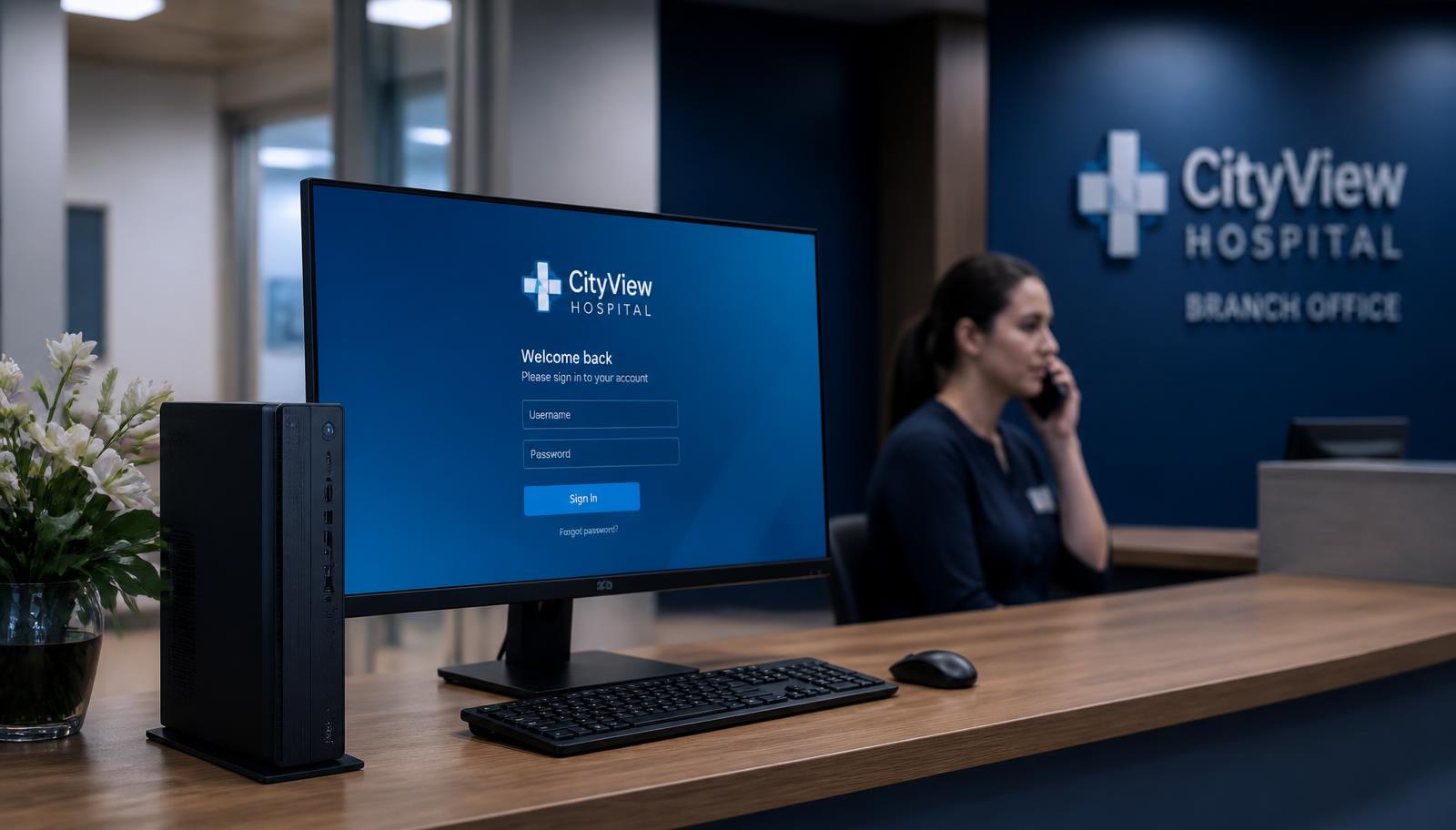
A branch reception desk with a Windows endpoint showing a simple sign-in screen

The cost of change

Why replace your entire endpoint platform just to simplify what users see?

UniconOS replaces Windows with a Linux operating system and introduces a separate endpoint-management environment. XPC takes a lighter approach. It retains the Windows installation, drivers, agents, services and management tools already used by IT—while replacing the user-facing desktop with a clean, purpose-built Citrix and RDP experience.

No operating-system migration. No new endpoint-management discipline. No unnecessary compatibility project.

UniconOS replaces the endpoint. XPC simplifies the experience.

XPC does not require the IT department to rebuild its endpoint-management strategy merely to give users a thin-client-style interface. These are not theoretical objections—they are genuine migration, operating and support costs.

Two deployment paths

One is an operating-system project. One is an install.

Citrix documents a genuine migration sequence for UniconOS. XPC is applied over the Windows environment that is already qualified and working.

UniconOS path

Operating-system replacement

7 steps
  1. 1Plan and test the operating-system migration
  2. 2Create a recovery partition on the device
  3. 3Copy the UniconOS installation files
  4. 4Restart the device
  5. 5Install UniconOS over Windows
  6. 6Optionally enrol into UniconOS Management
  7. 7Define a rollback / reimage procedure

XPC path

User-experience overlay

3 steps
  1. 1Log in to the XPC Cloud Portal
  2. 2Download the XPC MSI package and install it
  3. 3Enable XPC Mode for the PC from the portal

Six real-world advantages

What you keep when you keep Windows.

01

No Windows-to-Linux migration

XPC is installed over Windows. It can be switched off again.

UniconOS replaces Windows. Citrix's own migration process creates a recovery partition, copies installation files, restarts the device, installs UniconOS and optionally enrols it into UniconOS Management. That is a genuine operating-system migration requiring planning, testing and rollback procedures. XPC is installed over the existing Windows environment, and an administrator can disable XPC to restore the conventional Windows shell — making deployment considerably less disruptive and more reversible.


02

No second endpoint-management discipline

XPC configuration manages the XPC experience, not the whole endpoint.

UniconOS Management may be included in a Citrix entitlement, but it still has to be configured, learned and operated. Windows remains managed with the RMM and support tools already in place.

No second endpoint-management discipline

What a second platform brings with it

  • Device enrolment
  • Organisational units
  • Policies and configurations
  • Images and packages
  • Updates and release cycles
  • Roles and permissions
  • Troubleshooting processes
  • Licensing and management infrastructure
03

Far less compatibility testing

The Windows drivers that already work keep working.

Citrix describes UniconOS as hardware-agnostic, but switching operating systems still requires validation across the full peripheral estate. XPC retains the Windows driver ecosystem, so testing is still required — but a completely different driver and hardware ecosystem is not being introduced.

Far less compatibility testing

Typically revalidated after an OS change

  • Network and display adapters
  • Multiple monitors
  • Audio and webcams
  • Printers and scanners
  • Smart cards and USB redirection
  • Wi-Fi and 802.1X authentication
  • EFTPOS and serial devices
  • Firmware-update mechanisms
04

No specialist platform retraining

An experienced Windows technician keeps working the way they already do.

UniconOS technicians must learn its image, package, policy, diagnostic and management model. Citrix even provides an epkg packaging tool for advanced users and partners with Linux development skills, which shows that extending the platform can require specialist knowledge.

No specialist platform retraining

Tools your team keeps

  • Windows Services
  • Event Viewer
  • PowerShell
  • Registry
  • Device Manager
  • Existing RMM scripting
  • Existing remote-support tools
05

Existing endpoint processes remain intact

Nothing has to be redesigned, replaced or duplicated.

Migrating to UniconOS means deciding which established processes must be replaced, redesigned or duplicated. With XPC, those processes continue underneath the new user interface.

Processes that continue unchanged

  • Device onboarding
  • Patch deployment
  • Monitoring and alerting
  • Software inventory
  • Remote assistance
  • Certificate deployment
  • Compliance reporting
  • User support
  • Backup and recovery
06

Windows-only agents and services remain available

Possibly XPC's greatest practical advantage.

Under UniconOS, each component must have a supported Linux equivalent, a native UniconOS package, or be abandoned. XPC does not create that problem.

Components customers usually want to keep

  • RMM agent
  • EDR or antivirus
  • Application control such as ThreatLocker
  • Remote-support agent
  • Monitoring tools
  • Printer and POS services
  • Hardware-vendor utilities
  • VPN and identity components
  • Custom corporate agents

The business case

Even when the licence is included, the cost is not zero.

The real cost of an endpoint-platform replacement is migration, testing, training, a new management model, process change and compatibility remediation. XPC avoids much of this because it does not replace the underlying platform.

UniconOS

Endpoint-platform replacement

100% relative effort

XPC

User-experience overlay

25% relative effort
  • Deployment / OS migration
  • Compatibility testing
  • Team training
  • New management platform
  • Process redesign
  • Compatibility remediation

Illustrative categories of effort, not priced figures. Actual effort depends on estate size, hardware variety, peripheral dependencies and the maturity of existing endpoint processes.

Business considerations

The decision, side by side.

Operating-system migration

XPC

Not required

UniconOS

Windows is replaced

Existing RMM

XPC

Retained

UniconOS

New management model introduced

Windows expertise

XPC

Retained

UniconOS

UniconOS knowledge required

Existing drivers

XPC

Retained

UniconOS

Must be validated under Linux

Windows agents and services

XPC

Retained

UniconOS

May require replacement

Deployment reversal

XPC

Relatively simple

UniconOS

Requires OS restoration or reimaging

User experience

XPC

Purpose-built Citrix/RDP shell

UniconOS

Purpose-built thin-client environment

Organisational disruption

XPC

Low

UniconOS

Potentially significant

An IT operations team reviewing endpoint management dashboards

Operating model

Your existing endpoint processes continue underneath.

Onboarding, patching, monitoring, inventory, remote assistance, certificates, compliance reporting, support and recovery all keep running on the platform your team already knows.

A fair qualification

UniconOS may be the stronger option where an organisation genuinely wants to eliminate Windows and operate a large, homogeneous, Citrix-only endpoint fleet. XPC is stronger where the organisation wants thin-client simplicity without discarding the value already invested in its Windows estate.

Want the technical row-by-row detail? Read the full XPC vs UniconOS comparison.

Work out your own numbers

Two calculators, using your figures rather than ours.

Nothing is stored and there is no form. Enter your estate size and rates, then copy or print the result as a one-page business case.

See the Windows-native alternative in action.