
Peripherals and native clients
The hardware already works. Keep it that way.
Peripheral support is where endpoint operating system changes usually come unstuck. XPC does not replace Windows, so the drivers, vendor utilities and native remote clients you already validated keep doing their job.
The short answer
Do peripherals still work when a PC runs XPC?
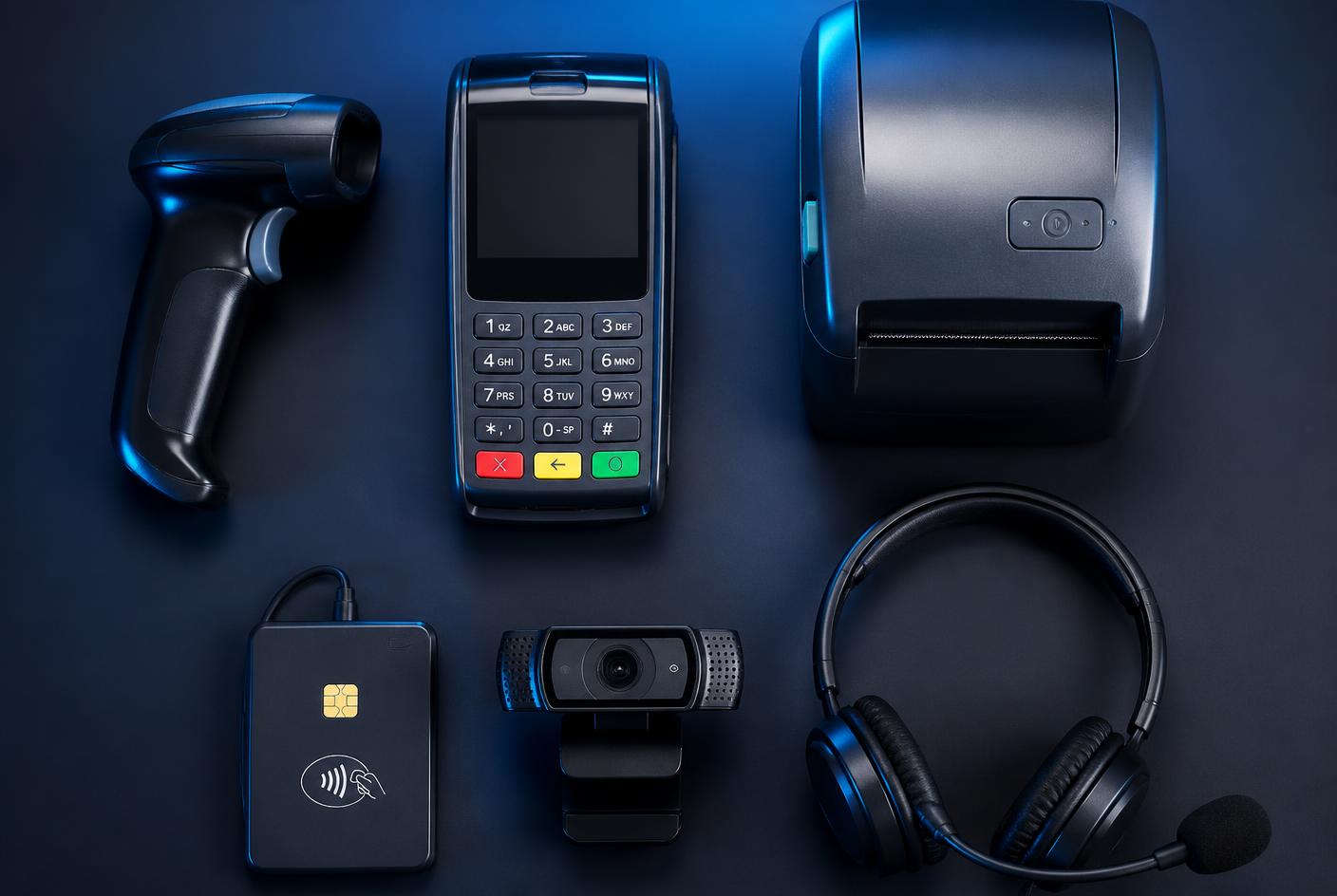
Yes. XPC changes the shell the user sees, not the operating system. Printers, scanners, barcode readers, signature pads, headsets, smart card readers, cash drawers and other devices continue to use the Windows drivers already installed, and the native Citrix Workspace or RDP client keeps handling redirection and any vendor real-time optimisation components exactly as it does today.
Same drivers
Peripherals
Windows drivers and vendor utilities are untouched.
Native
Remote clients
Real Citrix Workspace and RDP clients, not a reimplementation.
0
Re-certification
No new endpoint OS to test your hardware against.
Why replacing the endpoint OS is expensive
Move a fleet to a Linux-based thin-client operating system and every attached device returns to the test plan: does the driver exist, does the vendor utility run, is the behaviour identical, who supports it when it is not. That work is often the largest hidden cost of an endpoint migration. Keeping Windows removes it.
- Receipt, label and document printers
- Barcode, RFID and document scanners
- Headsets, handsets and conferencing devices
- Smart card readers, signature pads and specialist devices
Native clients and their plugins
XPC launches the vendor's own client on the Windows PC. That means the client's version, configuration, group policies, plugins and real-time media optimisation components are the ones your platform team already supports — not an approximation maintained by a third party.
Multi-monitor and display behaviour
Display layout, resolution and multi-monitor handling remain the responsibility of the native remote client, so the behaviour users already know does not change when XPC is enabled.
What we do not claim
XPC does not add peripheral capability that Windows or your remote client does not already provide. If a device or redirection feature does not work today on the Windows endpoint, XPC will not change that. The compatibility page states the boundaries plainly.

Hidden cost
Peripheral re-certification is the migration nobody budgets for.
XPC avoids it entirely by leaving the Windows driver stack, vendor utilities and native clients exactly where they are.
Questions we are asked
Straight answers.
Does XPC implement its own remote desktop protocol?
No. XPC launches the vendor's native client — Citrix Workspace app, the Microsoft Remote Desktop client and similar — installed on the Windows PC.
Will Teams or Zoom VDI optimisation still work?
Those components are installed on the Windows endpoint and loaded by the native client, so they continue to work as they do today. XPC does not sit in the media path.
What about USB redirection?
USB redirection is controlled by your remote platform and client policy. XPC does not change or override it.
Where do I check whether something is supported?
The compatibility page lists platforms, peripheral classes, management tooling and known limitations, including what we deliberately do not claim.
Keep reading
Related guides.
Windows thin client
Turn the Windows PCs you already own into focused thin-client endpoints — without replacing the operating system.
Read the guideCitrix endpoints
A focused, brandable Citrix access endpoint on existing Windows PCs, with Workspace app and its optimisations left intact.
Read the guideRDP & RDS endpoints
Give RDP and Remote Desktop Services users one locked screen that launches the right session, on hardware you already own.
Read the guideAVD & Windows 365
A focused endpoint for Azure Virtual Desktop and Windows 365 Cloud PCs, running on the Windows devices you already manage.
Read the guideOther VDI platforms
Horizon, Amazon WorkSpaces, Parallels RAS or a browser workspace — XPC presents whatever client or URL you approve.
Read the guideConvert a PC to a thin client
Extend the life of ageing PCs by turning them into access endpoints — a software change, not a procurement cycle.
Read the guideCompare the alternatives
XPC against IGEL, UniconOS, ThinScale, Dell ThinOS, LEAF OS, 10ZiG and Microsoft kiosk features.
See all comparisonsThin-client simplicity, without leaving Windows.
Five PCs are free forever. Log in to the XPC Cloud Portal, install the MSI, enable XPC Mode.