
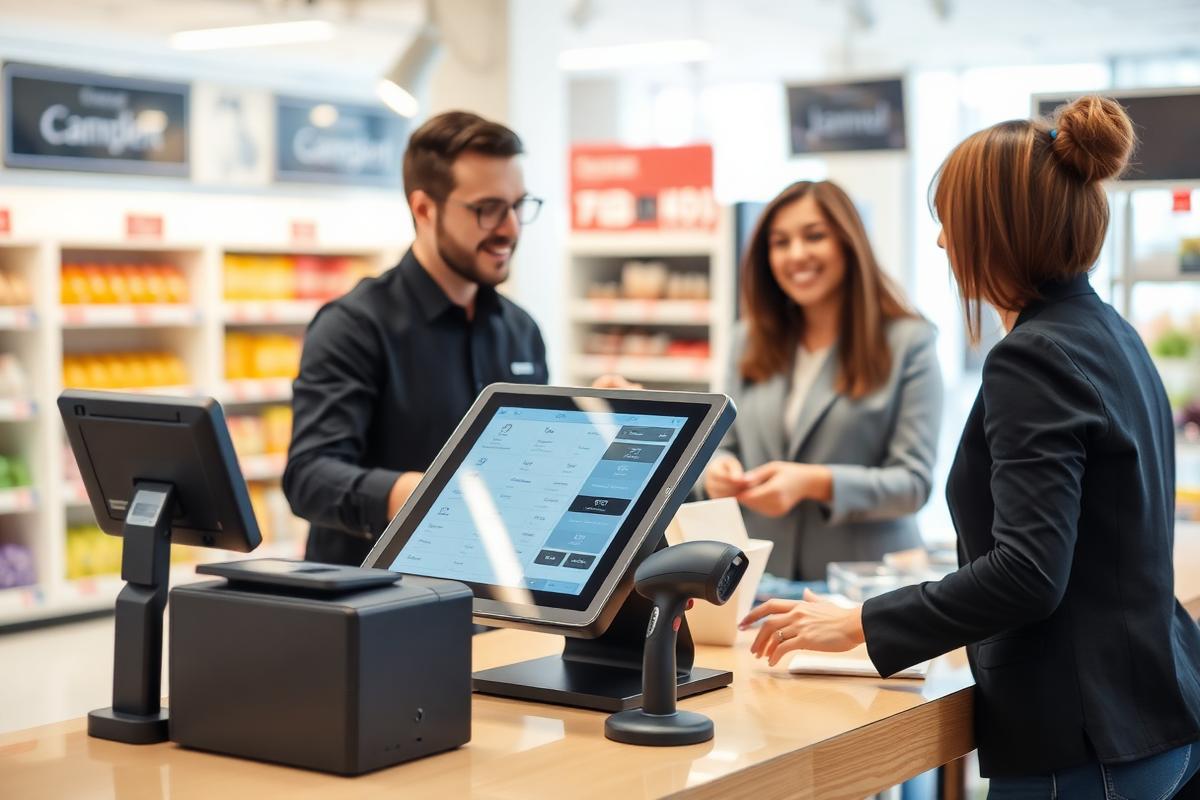
Retail and point of sale
Terminals that only ever show the till.
Store PCs are used by many staff, often with high turnover, in front of customers. XPC removes everything from the screen except the application the store needs.
The short answer
How do retailers lock a store PC to a single point-of-sale application?
Install XPC on the store's Windows terminal and enable XPC Mode. The terminal presents a branded screen with only the published point-of-sale or store application. Receipt printers, barcode scanners, cash drawers and payment terminals continue to work through the Windows drivers already installed, because XPC does not replace the operating system.
One app
On the screen
The till or store application, nothing else.
Same drivers
Peripherals
Printers, scanners and drawers keep their Windows drivers.
3
Steps to deploy
Log in to the XPC Cloud Portal, install the MSI, enable XPC Mode.
Peripherals are the reason to keep Windows
Retail hardware is the hardest part of any endpoint change: receipt printers, scanners, scales, cash drawers, signature pads and payment terminals all rely on Windows drivers and vendor utilities. Replacing the operating system puts every one of those back on the test plan. XPC leaves them alone.
- Receipt and label printers
- Barcode and QR scanners
- Cash drawers and payment terminals
- Touchscreens and customer displays
Staff turnover stops being an endpoint risk
New staff cannot misconfigure a machine they cannot reach. The terminal shows the store application and returns to the same state after every sign-out.
Branded for the store, not for IT
The screen a customer might glance at carries the retailer's brand, not a vendor logo or a Windows desktop.
At the desk
What the user actually sees.
- A branded store screen at power-on
- Direct entry into the till or store application
- No desktop, browser or settings behind it
- Attached peripherals behaving exactly as before

Retail
Keep the peripherals. Lose the desktop.
XPC focuses the store terminal without touching the Windows drivers your hardware depends on.
Questions we are asked
Straight answers.
Will our receipt printer and scanner still work?
Yes. Windows and its drivers are untouched, so attached peripherals behave as they do today.
Can back-office staff still get a normal desktop?
Yes. XPC Mode is enabled per PC, so back-office machines can remain standard Windows desktops.
What if the store loses its network connection?
XPC shows a clear branded message rather than dropping the user onto a Windows desktop, and reconnects when the link returns.
Elsewhere
Other industries using XPC.
Schools and education
Lock classroom and lab PCs to the learning tools students actually need, and get more years out of the hardware already in the room.
Read moreUniversities and colleges
Open-access labs, libraries and faculty PCs delivered as focused endpoints — with semester turnaround handled centrally.
Read moreCall centres
Hot-desked agent PCs that present the agent desktop and nothing else, with headsets and soft-phones still working.
Read moreHealthcare
Shared clinical workstations that present the clinical system only, with fast switching between staff.
Read moreFinancial services
Controlled desktops for regulated environments, without replacing the Windows endpoint your controls are built on.
Read moreBranch offices
Small sites with no local IT: endpoints configured centrally, recovered centrally, and impossible to wander off.
Read moreThin-client simplicity, without leaving Windows.
Five PCs are free forever. Log in to the XPC Cloud Portal, install the MSI, enable XPC Mode.