
How XPC works
A focused Windows endpoint experience for the workspaces you approve.
XPC places a purpose-built access interface in front of Windows. Users see the remote connections and endpoint controls they need. IT retains control of everything underneath.
3 simple steps
Login. Install. Deploy.
Deploying XPC is a three-step process. Everything else on the endpoint stays exactly as it is.
- 01
LOGIN
Log in to the XPC Cloud Portal
Sign in to XPC Cloud Portal to reach your tenant, organisations and XPC configurations.
- 02
INSTALL
Download the XPC MSI package and install it
Deploy the MSI to the Windows endpoint alongside your existing software and management agents.
- 03
DEPLOY
Enable XPC Mode for the PC
Turn on XPC Mode for the endpoint, configurable at any time from the XPC Cloud Portal.
See it working
Why Add Another Operating System?
Responsibility
One endpoint. Two management responsibilities.
XPC Portal and your existing IT platform work in parallel. Neither replaces the other.
XPC Portal manages
- Tenant and XPC configuration
- Endpoint registration and XPC status
- Connection presentation
- Wi-Fi, Bluetooth and USB device control per endpoint group
- XPC Live and XPC Suspended state
- XPC / XPC Flex deployment selection
- Workspace client readiness reporting
- Authorised return to the normal Windows shell for maintenance
Your IT platform manages
- Windows
- Workspace clients and connection configuration
- Updates and patches
- RMM and remote support
- Antivirus, EDR, and application control
- Drivers and peripherals
- Corporate services, agents, and plugins
Positioning
Closer to a controlled Windows shell than a new OS.
XPC is not a new operating system, and it is not a conventional Windows kiosk locked to a single application. It is a controlled Windows shell experience that presents users with the specific remote connections and endpoint controls the customer approves.
Because Windows remains in place underneath, the customer keeps the driver, agent, peripheral, service, and management ecosystem it already operates.
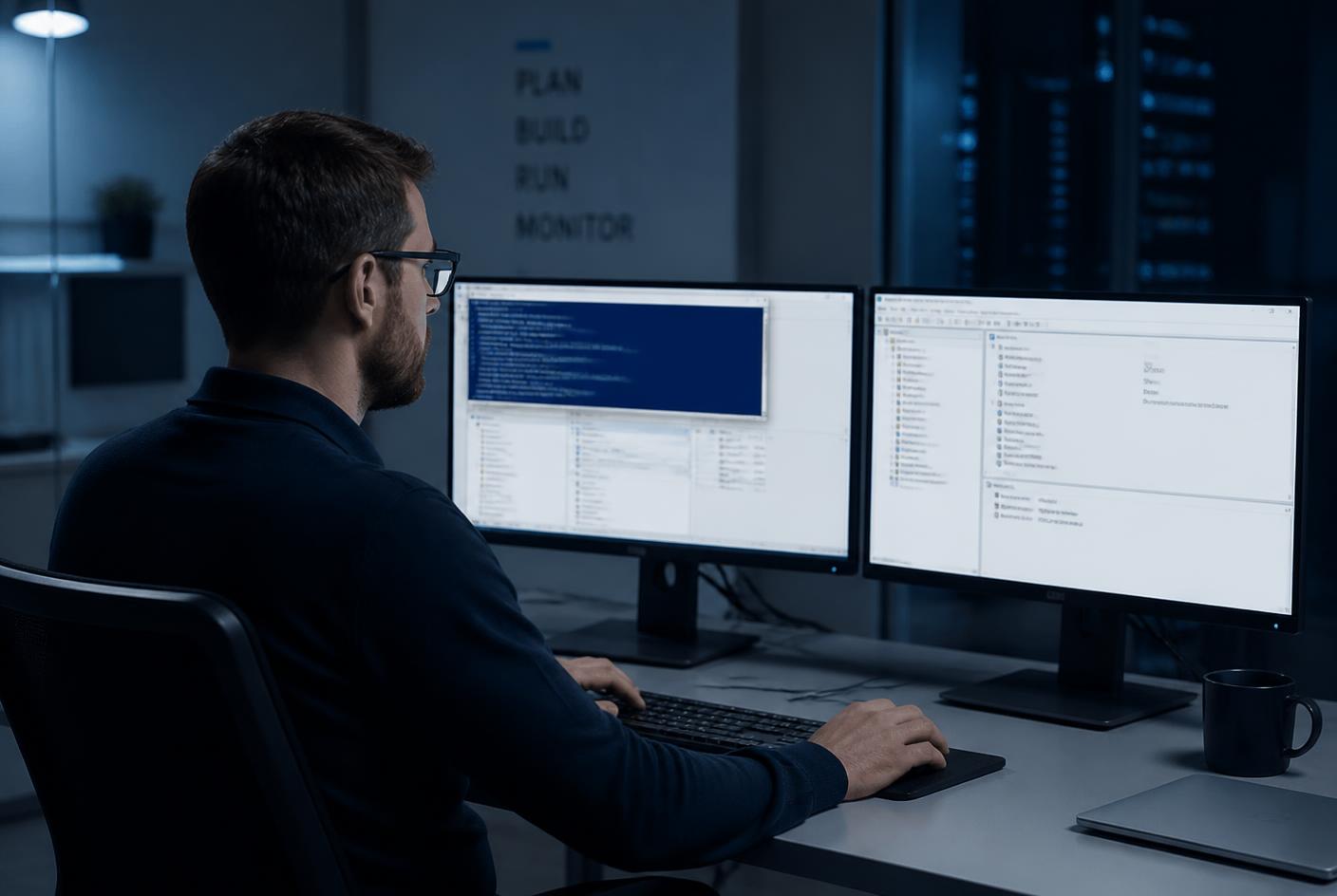
No retraining
Your technicians keep the tools they already know.
Windows Services, Event Viewer, PowerShell, the registry, Device Manager, existing RMM scripting and existing remote-support tools all remain in play, because Windows is still there underneath XPC.
XPC Portal
Central control for XPC. Not another RMM.
XPC Portal gives administrators one place to configure the XPC experience across tenants and endpoints. It remains intentionally separate from Windows endpoint management.
Registered Endpoints
128 devices · 4 configurations
| Endpoint | Configuration | State | Readiness | Check-in |
|---|---|---|---|---|
| WKS-BRISBANE-014 | Branch — Citrix Only | XPC Live | Citrix RDP | 42s ago |
| POS-STORE-88 | Retail POS | XPC Live | Citrix RDP | 18s ago |
| WKS-CALLCTR-221 | Call Centre | XPC Live | Citrix RDP | 51s ago |
| WKS-BRISBANE-005 | Branch — Citrix Only | XPC Suspended | Citrix RDP | 2m ago |
Portal workflow
The same three steps, from the portal side.
Tenants, organisations and XPC configurations all live in the portal, so the endpoint work stays down to an install and a switch.
- Step 1
LOGIN — log in to the XPC Cloud Portal.
- Step 2
INSTALL — download the XPC MSI package and install it on the endpoint.
- Step 3
DEPLOY — enable XPC Mode for the PC from the XPC Cloud Portal.
Once an endpoint is live, it makes an authenticated outbound check-in approximately every 60 seconds to report status and collect XPC configuration changes, and the portal reports whether it appears ready for the configured Citrix and/or RDP connection type.
In their words
A customer on running XPC day to day.
A short testimonial covering the install, the switch to XPC Mode and what changed for the team.
Portal feature groups
Focused on XPC. Not everything else.
Tenant-based administration
- Separate customers or organisational units into tenants.
- Create reusable XPC Configurations.
- Assign endpoints to the correct configuration.
Clear endpoint state
- XPC Live — the XPC user experience is active.
- XPC Suspended — an authorised administrator has returned the endpoint to the standard Windows shell for maintenance.
Connection readiness
- Report whether minimum prerequisites appear present for Citrix, RDP, or both.
- Readiness reporting does not install, update, repair, license, or support Citrix Workspace, RDP, or Windows.
Controlled maintenance workflow
- An authorised administrator can suspend XPC through the portal.
- The endpoint can return to the standard Windows Explorer shell for maintenance.
- The administrator can restore the endpoint to XPC mode afterwards.
XPC — maximum endpoint lockdown
- Replaces the traditional Windows desktop with the XPC environment.
- The most tightly controlled and streamlined user experience.
- The recommended default for endpoints dedicated to approved applications and remote sessions.

XPC Flex — greater Windows compatibility
- Keeps the Windows graphical environment operating for selected local applications, services and utilities.
- The Windows desktop stays hidden from the user, who still receives the controlled XPC experience.
- The compatibility-led architecture for endpoints with additional local Windows requirements.
Device control, built in
You decide what the hardware is allowed to do.
XPC does not only control what appears on screen. Wi-Fi, Bluetooth and USB behaviour are set centrally per endpoint group in the XPC Cloud Portal, so a machine can be as open or as closed as the site requires — without touching Group Policy or reimaging anything.
Wi-Fi
Leave it to the user, force it on so the endpoint stays connected, or force it off on wired-only devices.
Bluetooth
Leave it to the user for headsets and peripherals, force it on where wireless devices are required, or force it off where it is not wanted.
USB
Block removable storage, and block phones and cameras for data transfer while still allowing them to charge.
Every one of these controls is applied centrally, per group, to a Windows machine your existing tooling still manages — so removable-storage and wireless exposure is closed off at the endpoint without a platform change. These are XPC settings applied to Windows; they are not a replacement for endpoint security, DLP or application control.
How we recommend securing the Windows underneathBuilt into XPC Portal
XPC Advanced Protection
Simple tick boxes that harden the Windows networking, USB and Remote Desktop paths still running underneath XPC — and restore everything exactly when XPC is off.
- Network
- USB and phones
- Remote Desktop
A closer look
Persistence Changes the Immutability Story
Keep the Windows advantage
XPC does not replace Windows. It simplifies it.
That matters even more when the services your users access are also Windows — Azure Virtual Desktop, Windows 365, Citrix- or Horizon-delivered Windows desktops, RDP and RDS.
Product boundary
XPC Portal configures XPC. It does not replace the customer's RMM, endpoint-security platform, Windows administration, or your remote workspace platform.
FAQ
Frequently asked questions.
Brandable. Configurable. Customisable.
Configure once, brand it for every deployment.
The XPC interface is brandable and configurable from XPC Portal: logo, colours, wallpaper, wording and the set of presented connections. The same product can look entirely different for each organisation, site or device group.
Your logo, your colours
The XPC interface carries the organisation's logo, colour palette, wallpaper and wording, so the endpoint looks like it belongs to the business rather than to a vendor.
Configured per deployment
Different sites, device groups, departments, schools or customers can each receive their own XPC configuration and presentation from the same XPC Portal tenant.
MSP white-label ready
Managed service providers can present XPC in their own identity, or in each end-customer's identity, across every organisation they manage.
Marketing and promotional use
Because the screen the user sees is fully designed, it can also carry campaign artwork, promotional messaging, safety notices or seasonal branding on retail, reception and public-facing endpoints.