Skip to content

Use cases

A focused endpoint experience wherever work happens remotely.

Six scenarios where XPC delivers thin-client simplicity without asking IT to migrate off Windows.

Case 01

Managed service providers

Problem

A new thin-client platform can become another tool, workflow, skillset, and support boundary across the MSP's customers.

How XPC fits

Deliver a consistent user experience while retaining the Windows RMM, scripts, security products, and remote-support platform already used by the MSP.

Case 02

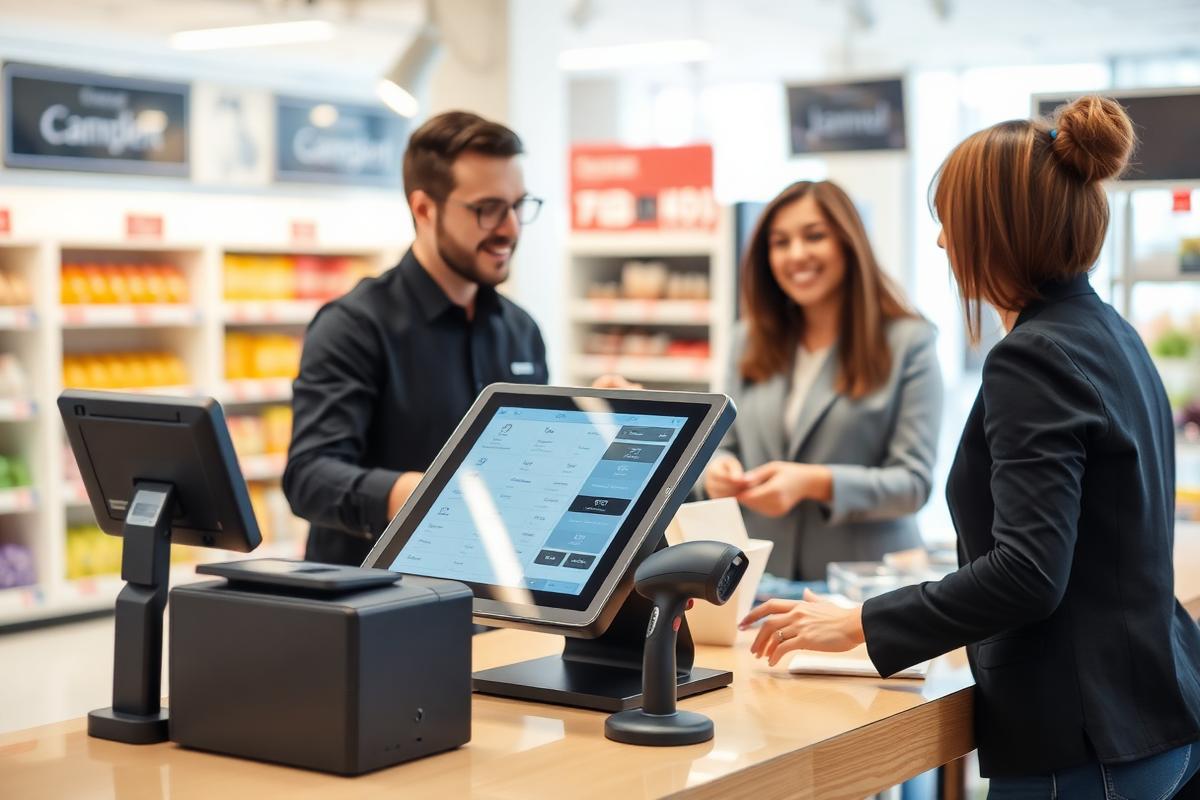
Retail and point of sale

Problem

Endpoints may need receipt printers, scanners, EFTPOS components, serial devices, vendor services, and local Windows agents.

How XPC fits

Keep those Windows dependencies available while presenting staff with a focused remote-access interface.

Case 03

Branch offices

Problem

Users need a dependable route to their hosted desktop, not a second local desktop to manage.

How XPC fits

Present approved connections and clear power controls consistently across branch endpoints.

Case 04

Call centres and task workers

Problem

Large task-based workforces generate support friction when every user can navigate and alter a full local desktop.

How XPC fits

Give users only the remote-access journey required for their role.

Case 05

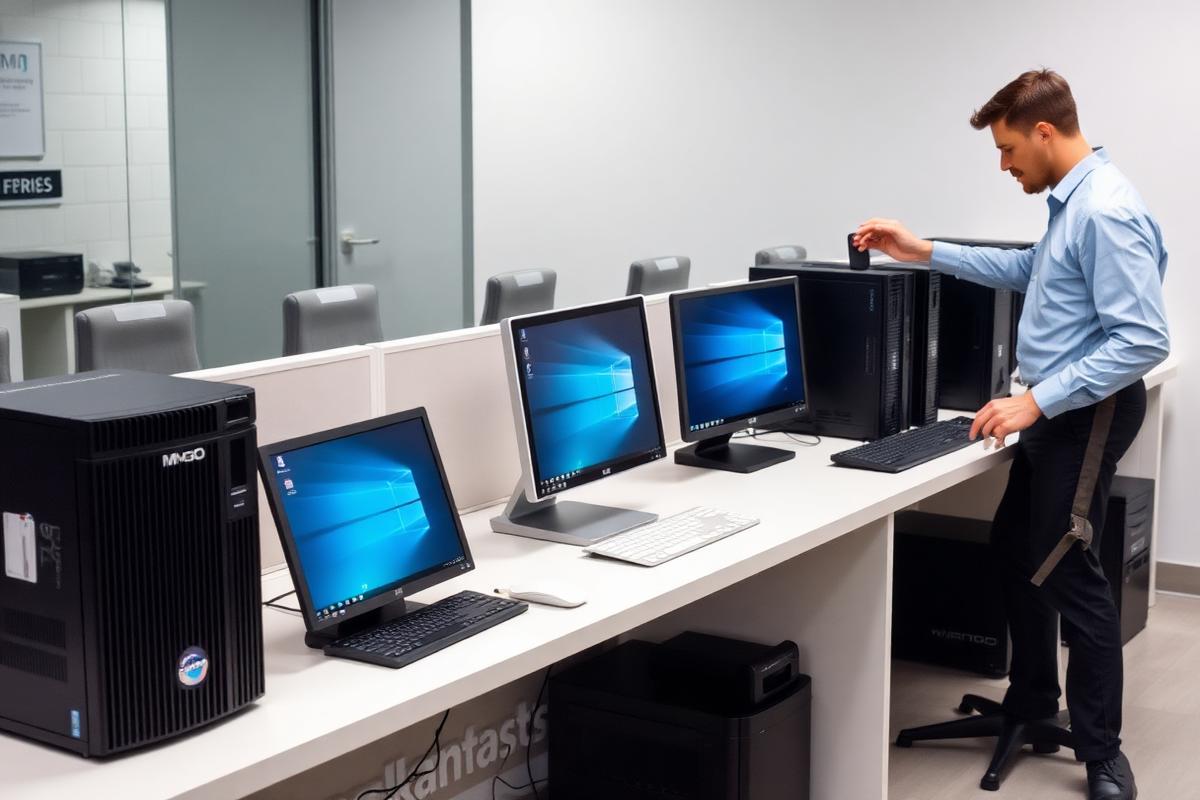
Mixed Windows estates

Problem

Hardware and peripherals may already be proven under Windows, but the end-user experience is inconsistent.

How XPC fits

Apply a consistent XPC interface across suitable Windows endpoints without replacing the OS solely for presentation purposes.

Case 06

UniconOS alternative

Problem

The organisation wants thin-client simplicity but does not want to migrate endpoint operating systems or adopt a full UniconOS Management operating model.

How XPC fits

Retain Windows and current endpoint operations while standardising the remote-access experience.

Discuss your environment with the XPC team.